
//bench
Framework Features
Learn about the capabilities for automating your use case.
User Experience
An Easy Interface for Tackling Complex Automation Solutions.
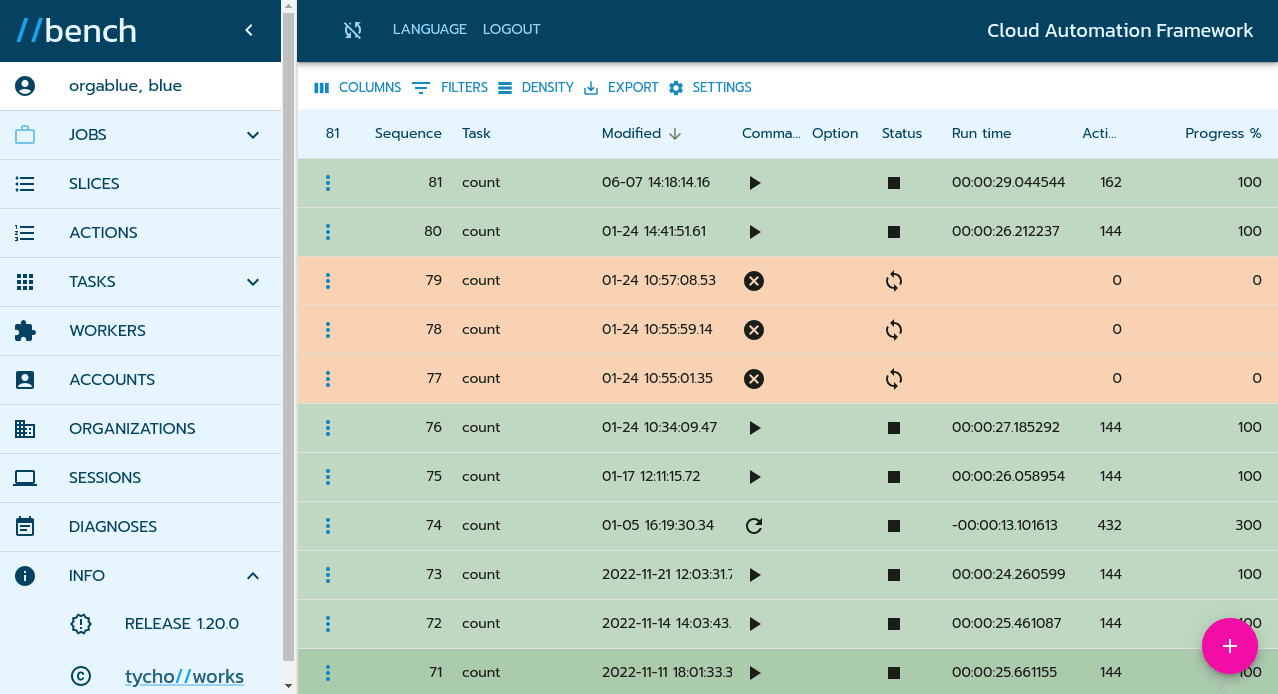
Browse your Automation
//bench comes equipped with a sleek, responsive web design, ensuring a seamless experience across a variety of devices—be it desktops, laptops, tablets, or mobile phones. At the heart of this design is a user-friendly main menu, allowing easy navigation through various aspects of automation management, complemented by a data grid that clearly displays the relevant information.
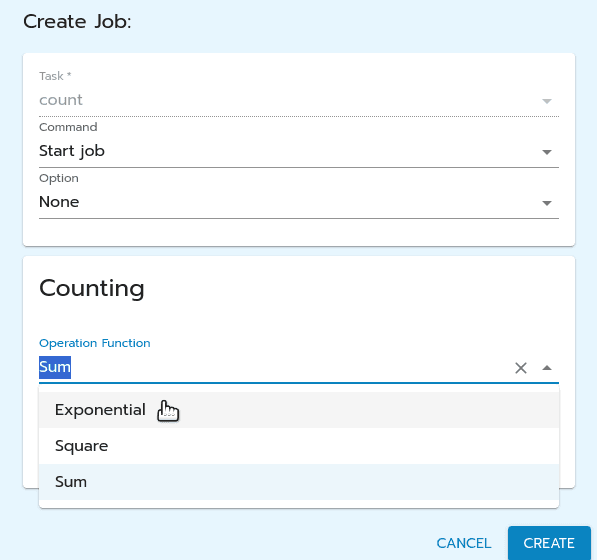
Your Form Layout
Every use case you implement on the //bench Cloud Application Framework comes with a customizable input form tailored to your specific needs. Whether you require text fields, dropdown menus, checkboxes, or radio buttons, you have full control. You can define not just the type of input data, but also its acceptable values. Take advantage of dynamic fields that fetch selection options directly from your SaaS application and deploy conditional input fields that depend on the values of other fields for even greater flexibility.
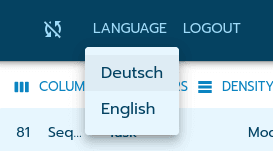
Speaks your Users Language
//bench's user interface adapts to your language preferences, offering seamless functionality in both German and English. Need another language? We're happy to accommodate special requests. Plus, you can set up multi-lingual input and output fields for your automation use cases, ensuring clear communication in a global setting.
Automation Toolset
Explore the powerful facilities of your automation work bench.
Workers
Each automation use case is implemented as a worker, which orchestrates the workflow actions. It defines the necessary input and output fields along with their user interface layout of any type. Ideally developed in Python, workers execute as jobs upon user request.
Tasks
Before executing an automation worker as a job, it usually needs pre-configuration. Constant inputs are defined within tasks, which can vary per worker. Tasks can also set timed schedules for hands-free, lights-out automation.
Jobs
Executing a job runs the automated workflow pre-configured by a task, prompting users for required or optional inputs beforehand. A job operates in the background performing sequential or concurrent auditable actions allowing to scale as needed. As a result a job can produce compiled outputs like reports.
Organizations
All automation tools are tied to your organization, serving as the focal point for contracts and billing. //bench supports multi-tenancy, allowing multiple customer organizations to coexist seamlessly within the Cloud Automation Framework.
Users & Roles
//bench users and administrators have distinct roles for streamlined operation. Users focus on executing and managing specific automation jobs, while organization administrators handle the automation task configurations and worker deployment.
Diagnoses
Any changes to jobs, tasks, workers, users, or organizations are meticulously logged in //bench diagnostic records. Users can conduct comprehensive audits of their individual activities, while administrators gain valuable insights into their organization's overall operations.
Automation Records
Keeping track: search, present and isolate the records of your automations.
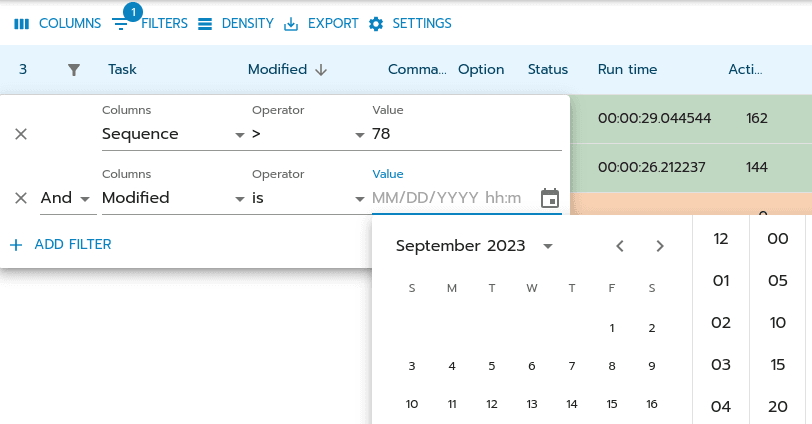
Drill Down
Search across columns in jobs, tasks, actions, and more using on-demand filters for numbers, text, or dates. Multiple filters can be combined using boolean conditions for precise results.
Report Records
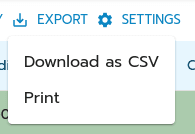
Download filtered automation records in CSV format for external analysis, or generate PDFs of your focused data views.
Focus on What Matters
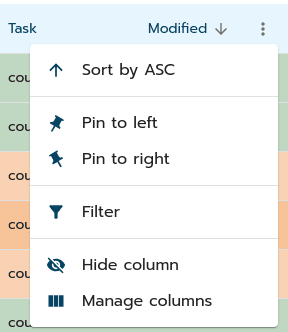
Conceal unimportant columns, sort your data, or pin frequently used information for optimized views.
Integration Flexibility
Tap into limitless integration possibilities, forming seamless connections across multiple systems.
- SaaS & Customer ApplicationsAn automation worker can interact with customer or third-party SaaS applications through their public or private REST APIs. This enables seamless data creation, updates or retrieval for your use case.
- Software Development KitsMake use of Python SDKs from SaaS providers to integrate easily for implementing your use case. Or employ //bench's already implemented application connectors to cut down development costs.
- Framework REST APIIntegrate //bench itself into your SaaS or customer application by leveraging its Framework REST API. All of the available features can be remote controlled by your custom user interface.

Turn Features into Solutions.
//bench Cloud Automation Framework.